Add Object Tags to Jobs Log

What problem are you facing?
I have some fairly complex automations & scheduled jobs running. This means my job log quickly fills up, making it difficult to navigate.
Examples
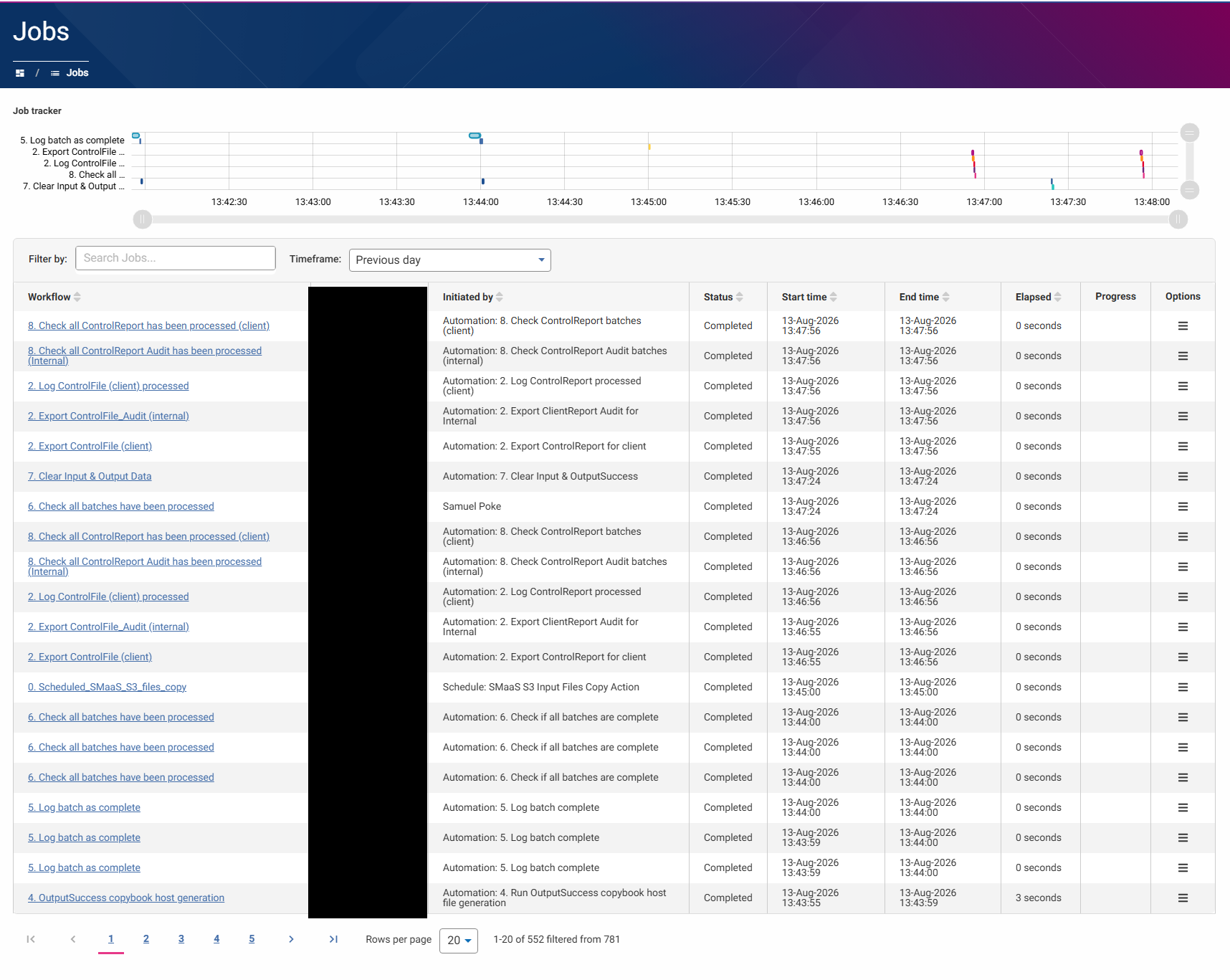
It would be helpful if I could filter out some of these jobs so I can more clearly monitor the important ones.
What impact does this problem have on you/your business?
More time spent filtering/scanning the jobs log than I'd like.
Do you have any existing workarounds? If so, please describe those.
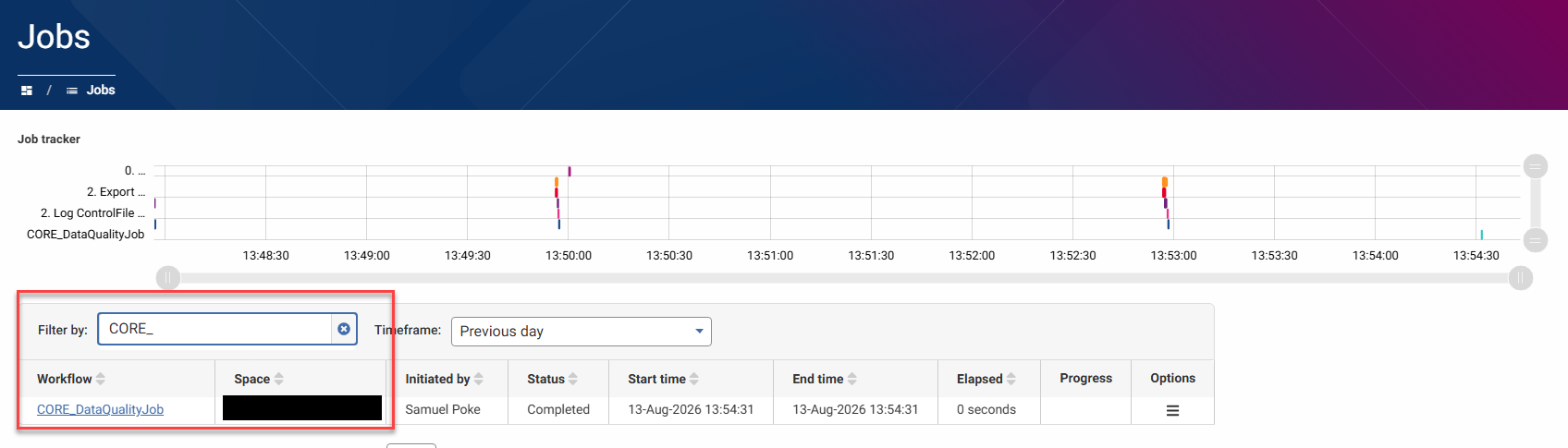
I can rename each important job with a prefix/suffix, e.g., CORE_DataQualityJob, and then use it as a search term in the filter list.
Do you have any suggestions to solve the problem? Feel free to add images if this helps.
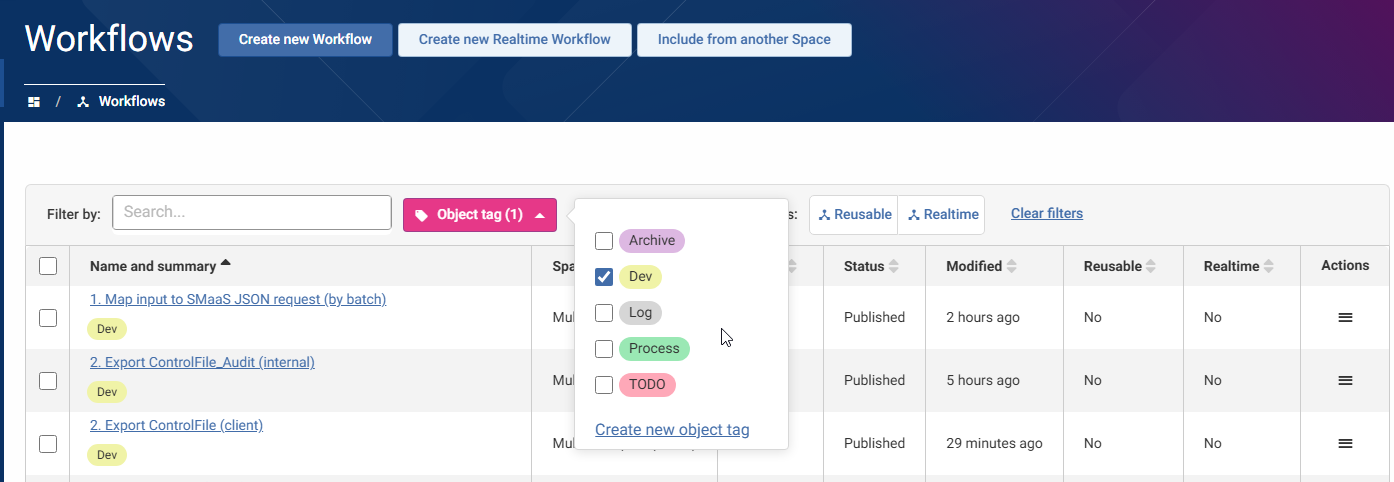
I think the simplest way to do this would be to expand the existing Object Tag feature to the Job log.
I can then easily tag my important/core workflows and use them as filters in the Jobs screen.
Object Tags
Comments
-
Would be nice if the jobs inherited the object tags from the workflow?
Also, having the filter/search criteria be persistent would be great. If I go into a job, I have to re-do any filters I had.
1 -
That's a good point, James - I was also thinking it could inherit the tag from the workflow, but it's got me thinking; the workflow could be linked to other objects, e.g. Datasets, Automations or Views.
It could also be helpful to inherit those tags.
0
