Creating one columns with all the Failing information

Hello everyone,
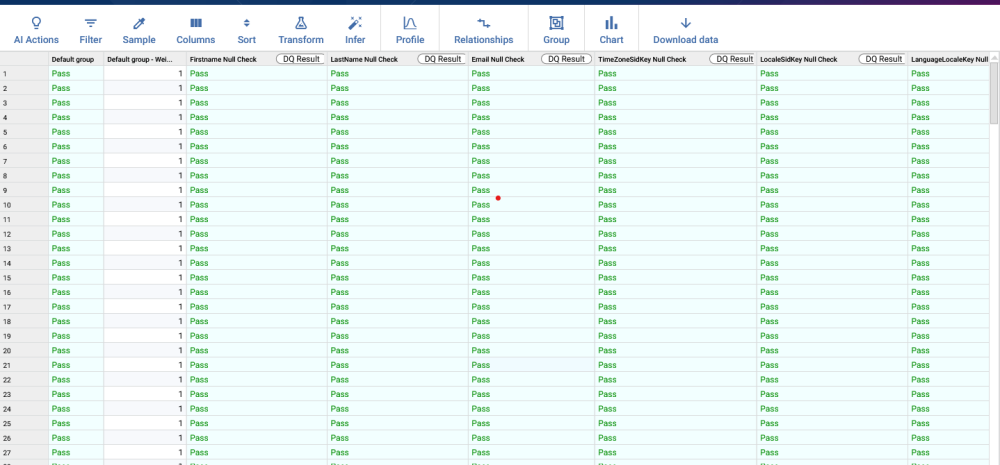
I have a question. When we do the validation step we have the "show all rows result". Is there a way to create a new column where where it contains all the header names for which that row fails or in that column have somehow information on all the rules it is failing. Thank you very much in advance!
Answers
-
Create an Issue list and feed into it all Failing rows
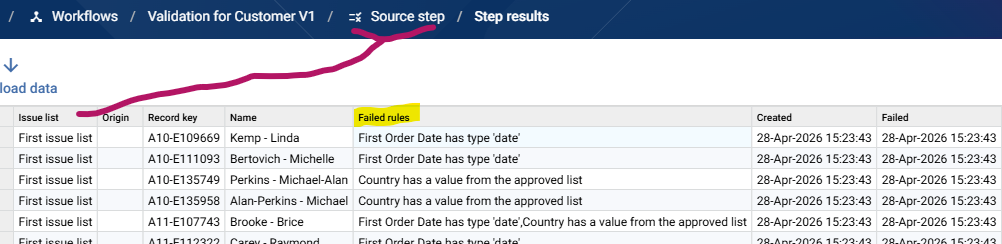
Run the Workflow to populate the list. Issue lists contain a column Failed rules, which is a comma separated list of the failed rules for that ID
 2
2 -
Hi @Josh Boxer,
thank you this is very helpful. I apologize but I cannot seem to find this "column Failed rules". When I open my issue list after running the workflow I see screenshot 1. If I go to "show steps results" of the Track issues step in the workflow I see screenshot 2. That list does not have any Failed Rules column. Thanks in advance for your help!
Screenshot 1
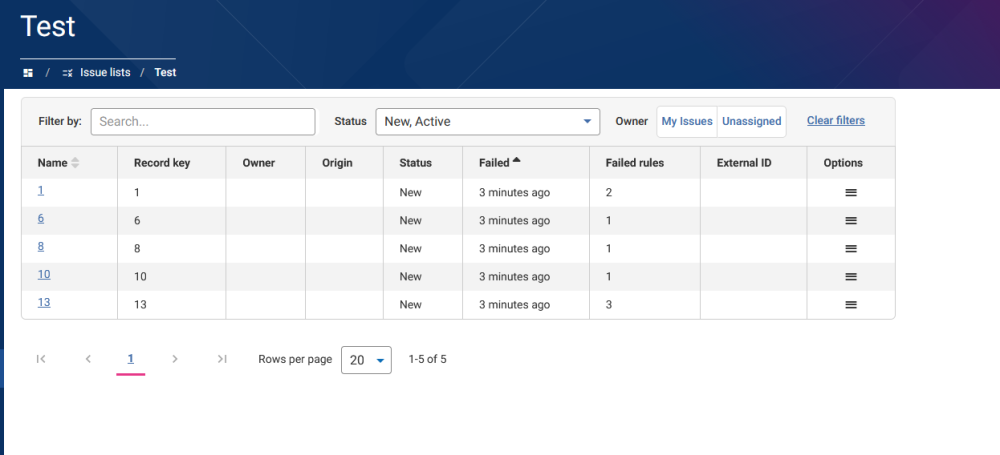
Screenshot 2
 0
0 -
Good progress. If you use the Issue list you created as the Source of a Workflow then you can see the Column as in my screenshot.
0 -