Exploring data - send to snapshot

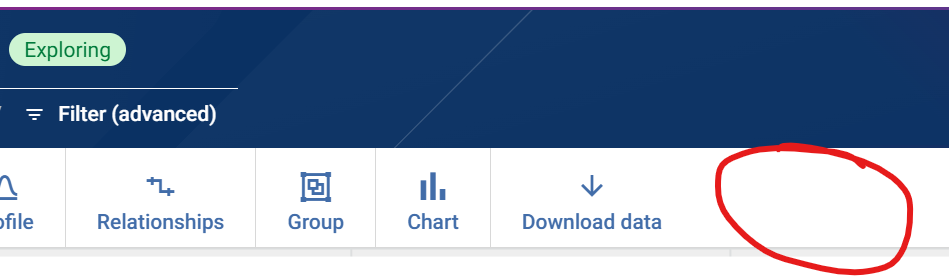
When exploring data, there is an option to download data. When performing analysis, it would be helpful to have an option that is 'Send to Snapshot'. Currently have to download data and then upload into a dataset, whereas this approach would be easier.
Comments
-
Is this as a consumer user or a designer UI (e.g. mid-workflow design)?
0 -
Probably more appropriate for a designer. When directly going into a dataset > explore mode, it would be another option next to the 'Download data'. So perhaps same conditions as when the 'Download data' option is triggered? Thx
0 -
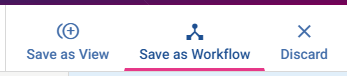
For designer users, when browsing and exploring datasets, Views are probably the best approach to do what you're asking here. If you're simply exploring data in the 'Datasets' or even 'Views' area of the product, you'll see the option to 'Save as View' or 'Save as Workflow':
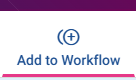
Similarly when you're within a workflow, and exploring interactively there, you can add your explore actions to the workflow:
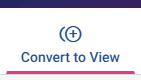
And, lets say you've been doing some ad-hoc exploration that's created a branch in your workflow and you want to save that as a 'snapshot' you could do so with a 'view':
Hope that helps?
0 -
Yes i think the 'Save as Workflow' comes closest if exploring data directly from within the dataset screen (then in the workflow have to create a step to send to Snapshot) . As always, there are pros and cons to any solution. Thanks
0 -
Got it. Could you share a little more about why you want to save it to a snapshot as opposed to using a view/workflow step to do this (is it a case of the fact that you use snapshots a lot and having a quick way to add and configure a take snapshot step from the 'explore' menu would be an efficiency improvement, or would it be to save space in a workflow (e.g. like a snapshot view where you'd click save snapshot and then any explore actions you've configured would be contained within the snapshot / view of the snapshot as opposed to creating additional working nodes on your workflow canvas)?
0 -
Sorry for the delay (busy week!). Basically its a Yes to your first part (is it a case of the fact that you use snapshots a lot and having a quick way to add and configure a take snapshot step from the 'explore' menu would be an efficiency improvement). I do a lot of analysis, criteria changes a lot and I like to keep that end data in a snapshot I can come back to (I provide a good description). Versus saving to multiple workflows that tend to clutter up my work area.
1 -
@Ivan Ng FYI
1